Client Calendars
Manage your clients' training schedules from one place. Assign workouts to specific dates, move sessions as needed, and keep everyone on track.
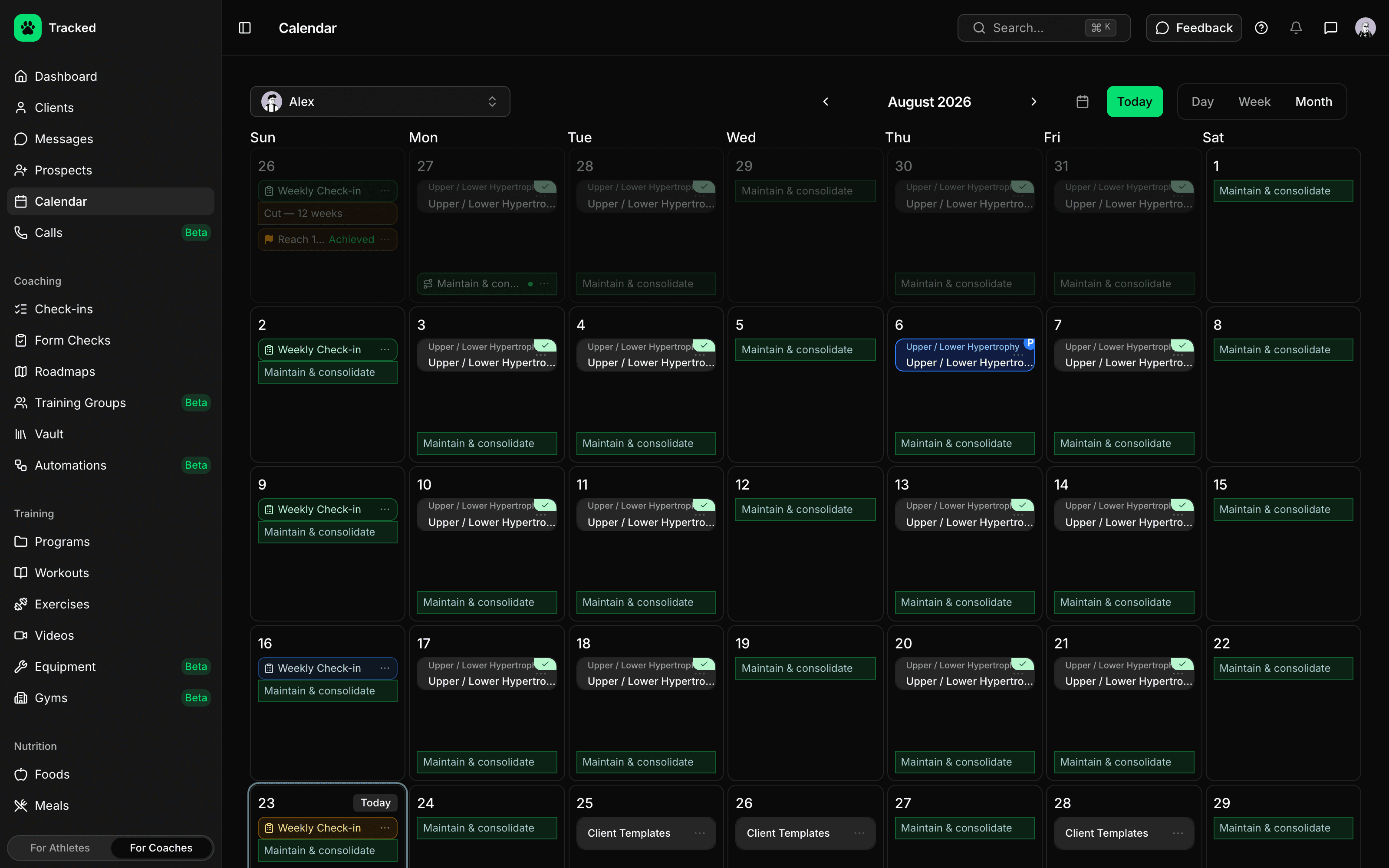
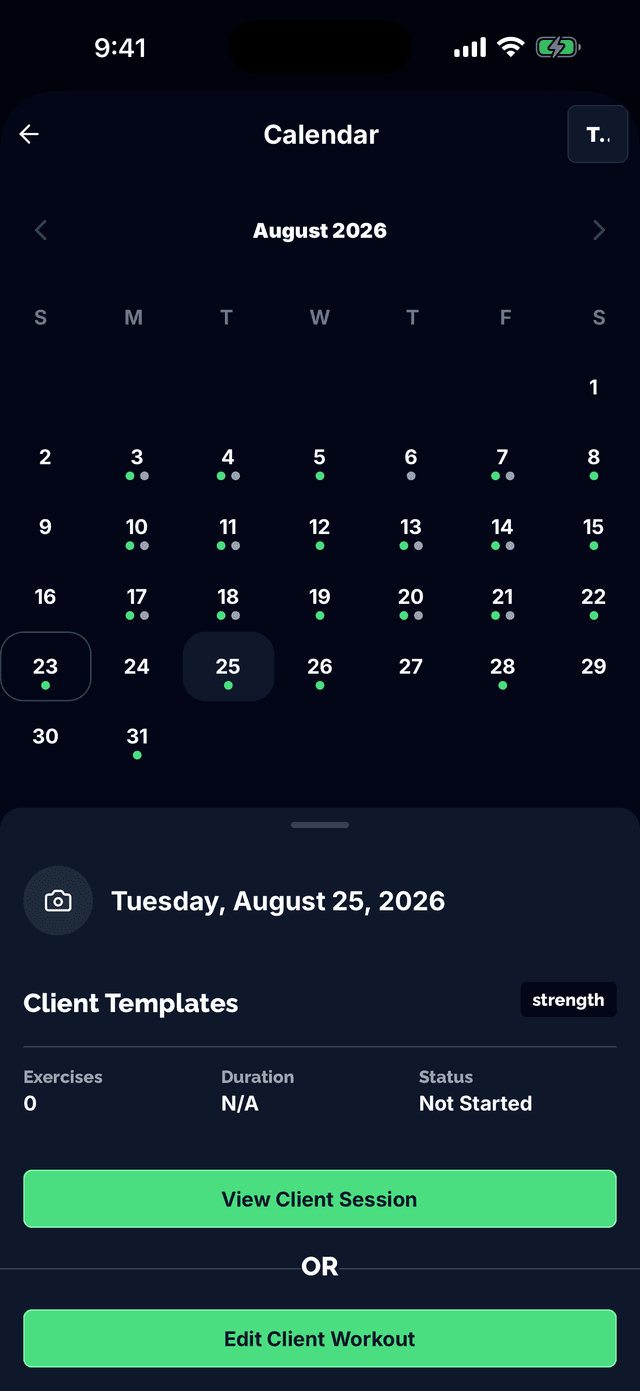
Month, Week, and Day Views
See the big picture or focus on the details. Switch between month, week, and day views to manage schedules at any level of granularity.
- Month view for planning ahead
- Week view for detailed scheduling
- Day view for focused session management
- Visual indicators for completed and in-progress sessions
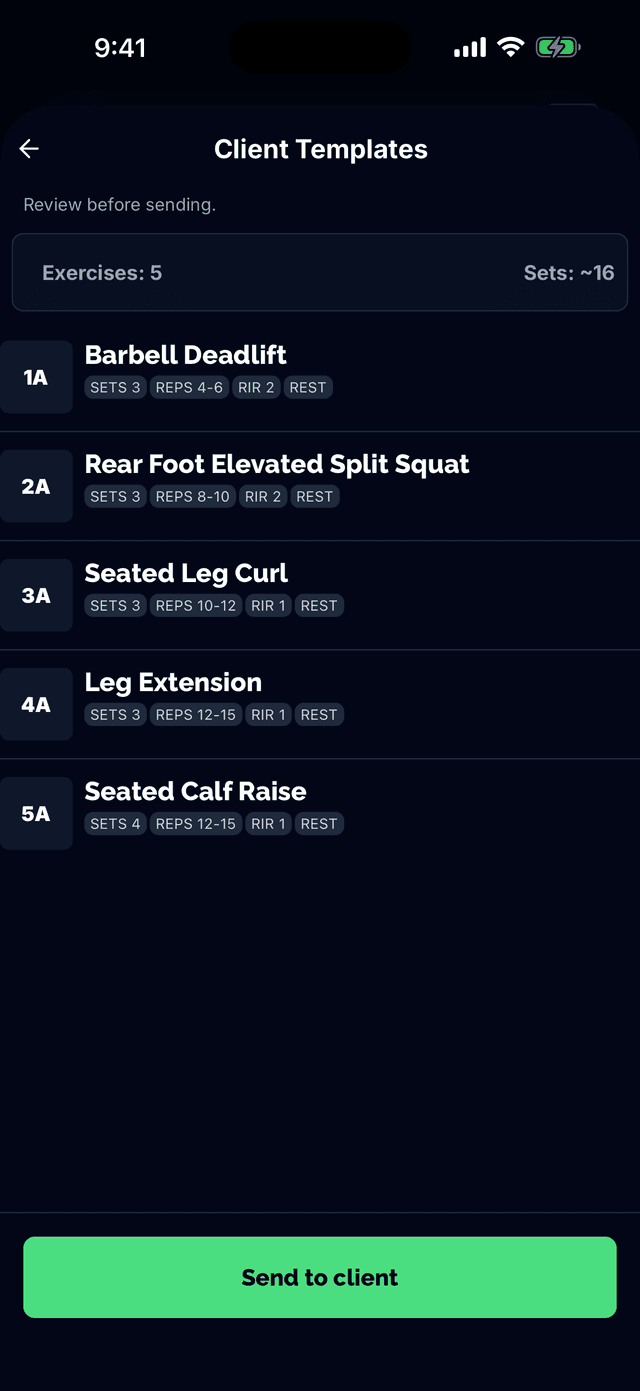
Assign Workouts to Dates
Prescribe workouts to any date on your client's calendar. Quick-add from recent workouts or browse your full library to find the perfect session.
- Quick-add dropdown with recent workouts
- Browse all workouts modal
- Program workouts auto-populate from active programs
- One-click session creation
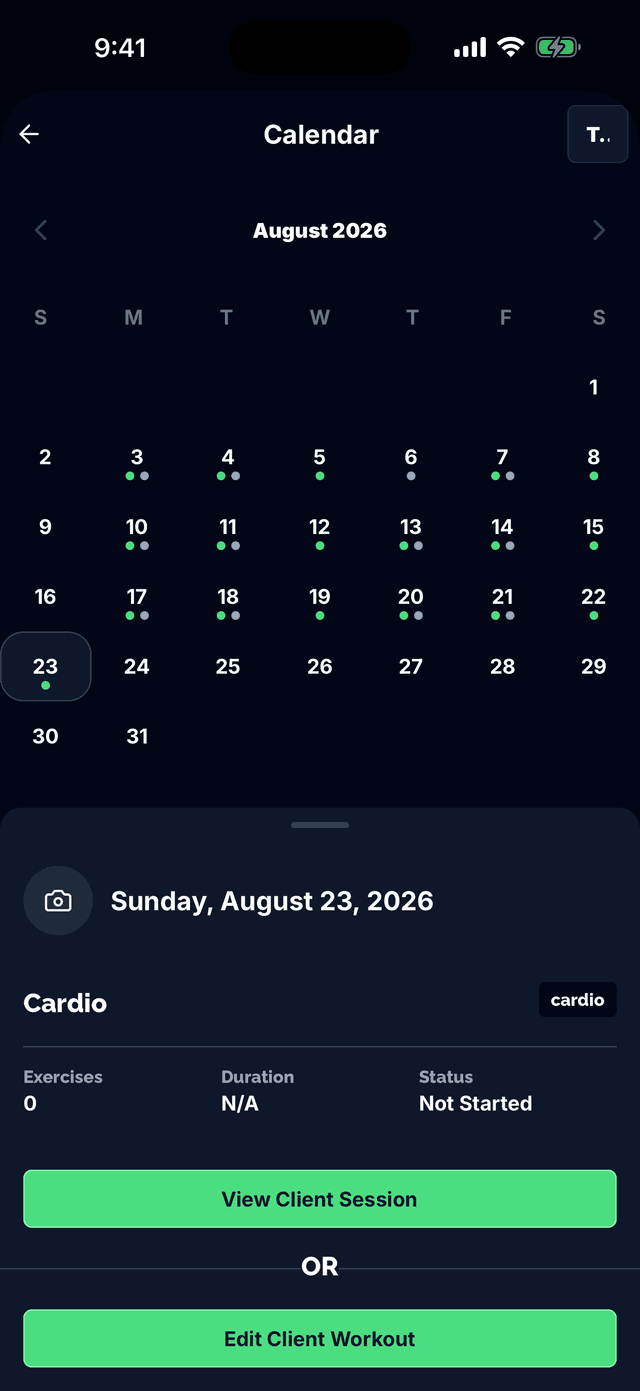
Move Sessions Easily
Life happens. Move sessions to the next day, previous day, or pick any date on the calendar. Completed sessions can be repeated to new dates.
- Move to next or previous day
- Pick any date with calendar picker
- Repeat completed workouts
- Remove sessions from calendar
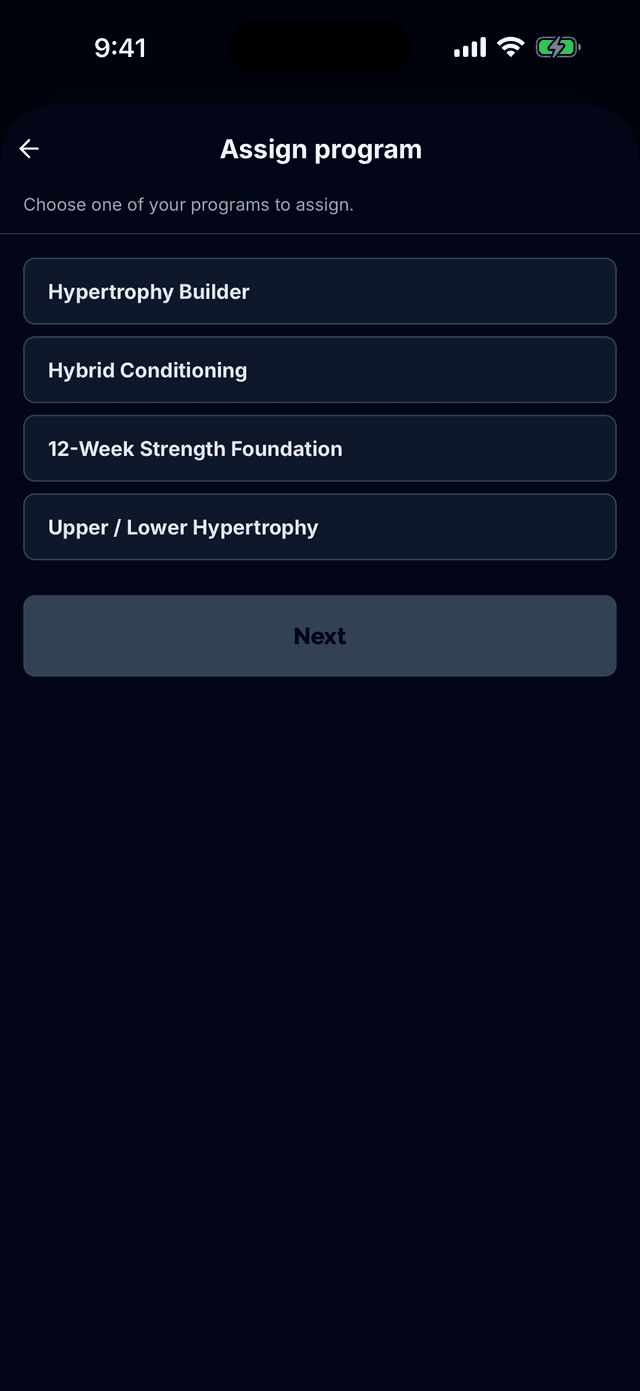
Program Integration
Assign training programs and watch the calendar populate automatically. Insert rest days that shift all subsequent sessions forward.
- Programs auto-fill calendar with workouts
- Take rest day shifts remaining sessions
- End program when training block completes
- Blue badge distinguishes program workouts
Multi-Client Management
Switch between clients instantly with the client selector dropdown. Each client has their own calendar with personalized scheduling and program assignments.
Ready to manage client schedules?
Start coaching with Tracked and keep every client's training on track.