Client Onboarding
Create custom intake questionnaires to collect the information you need from new clients. From training history to nutrition preferences—configure exactly what you want to know.
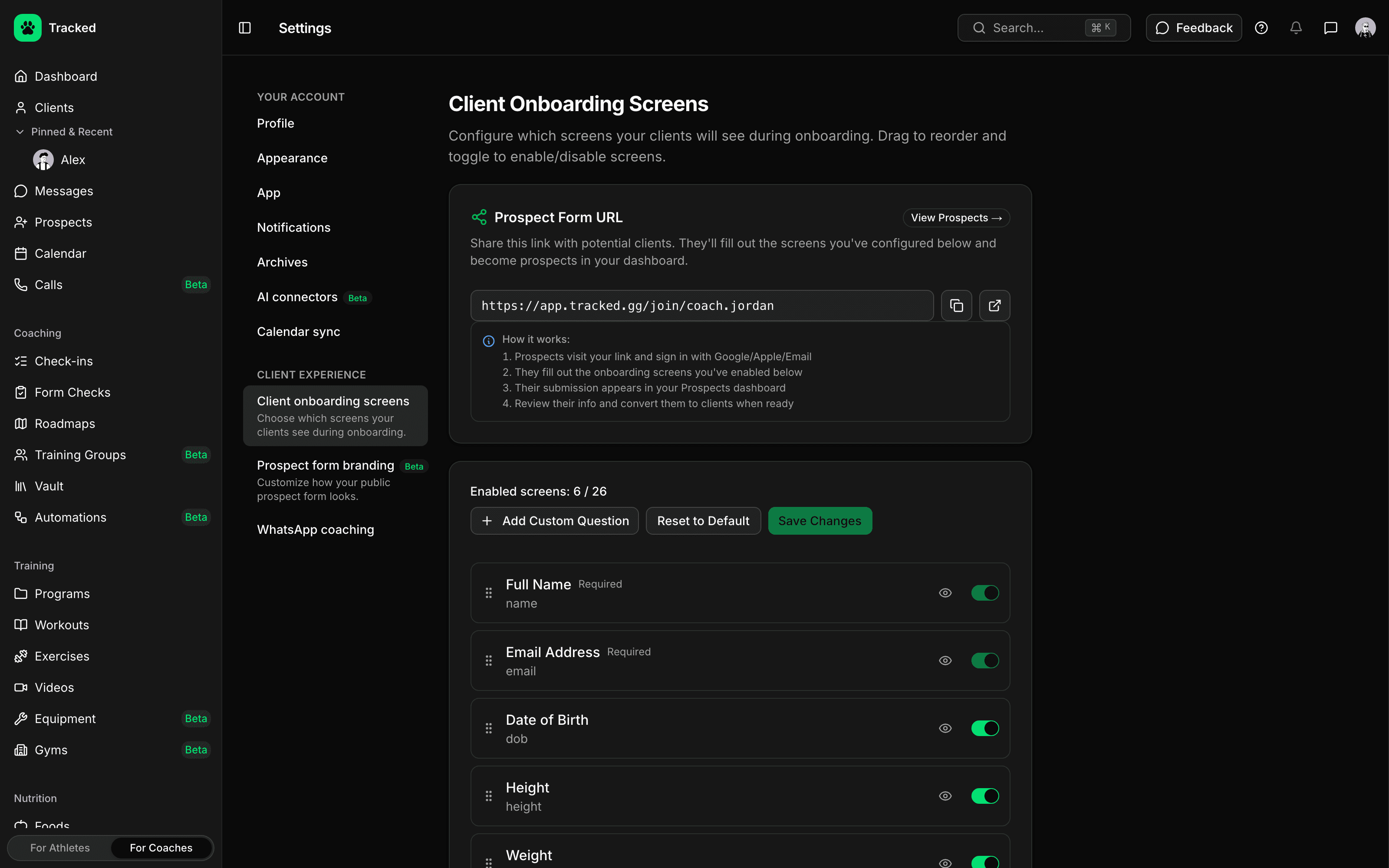
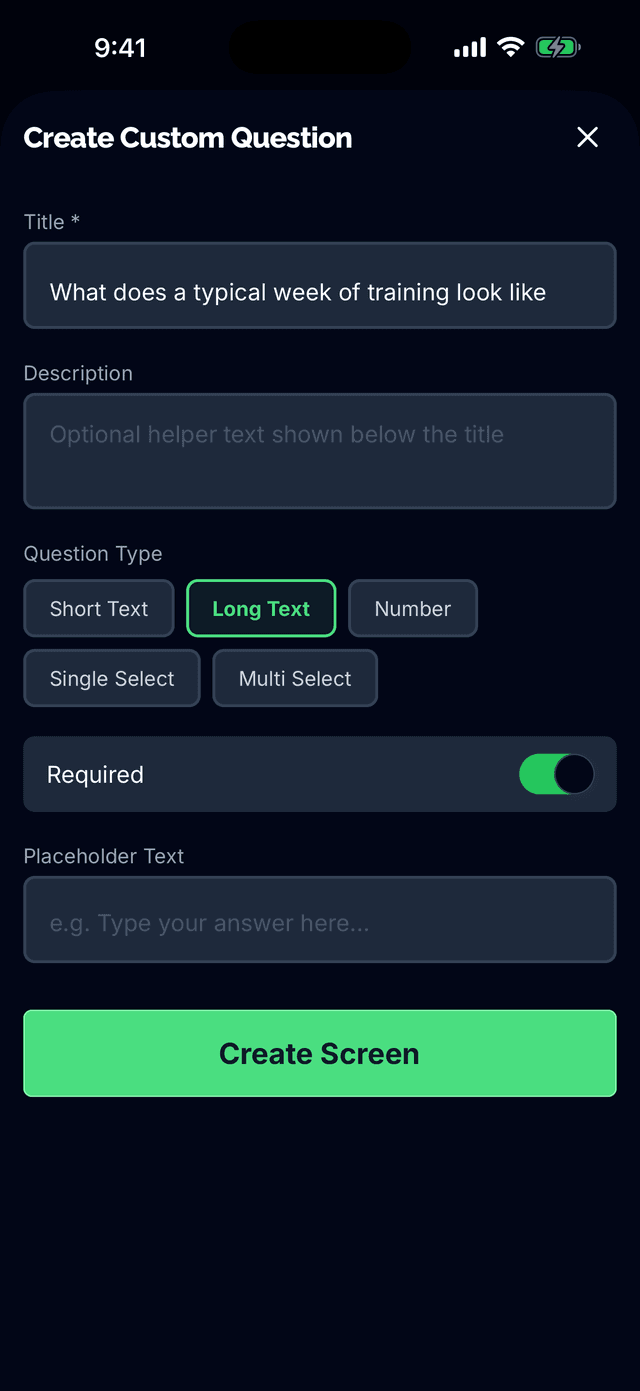
Customizable Questionnaires
Choose from 22+ onboarding screens covering personal info, training background, and nutrition preferences. Enable only the questions that matter for your coaching style.
- Personal: name, email, DOB, height, weight
- Training: goals, current split, equipment, injuries
- Nutrition: preferences, allergies, macros, meal timing
- Physique shots and timezone collection
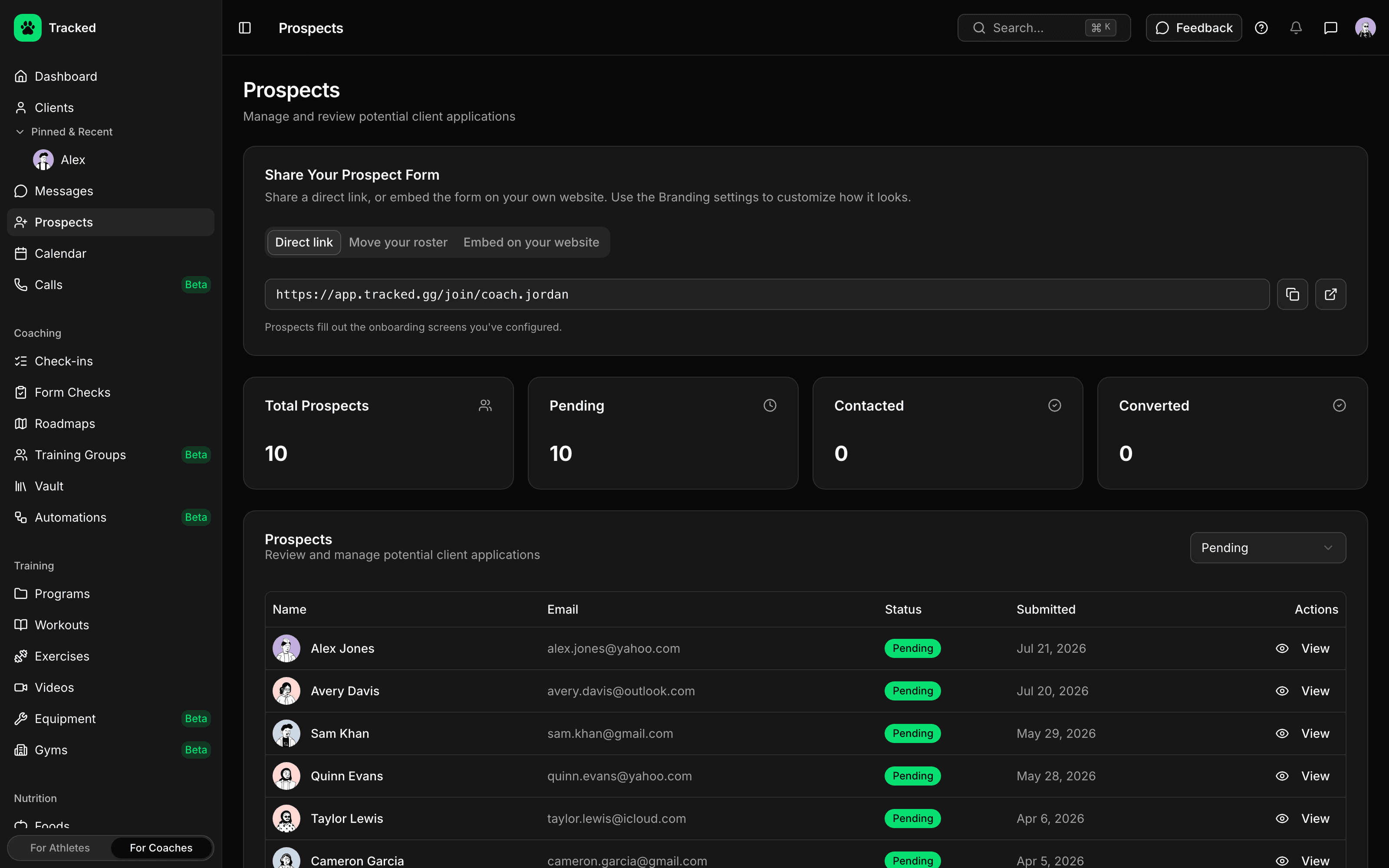
Invite Clients Your Way
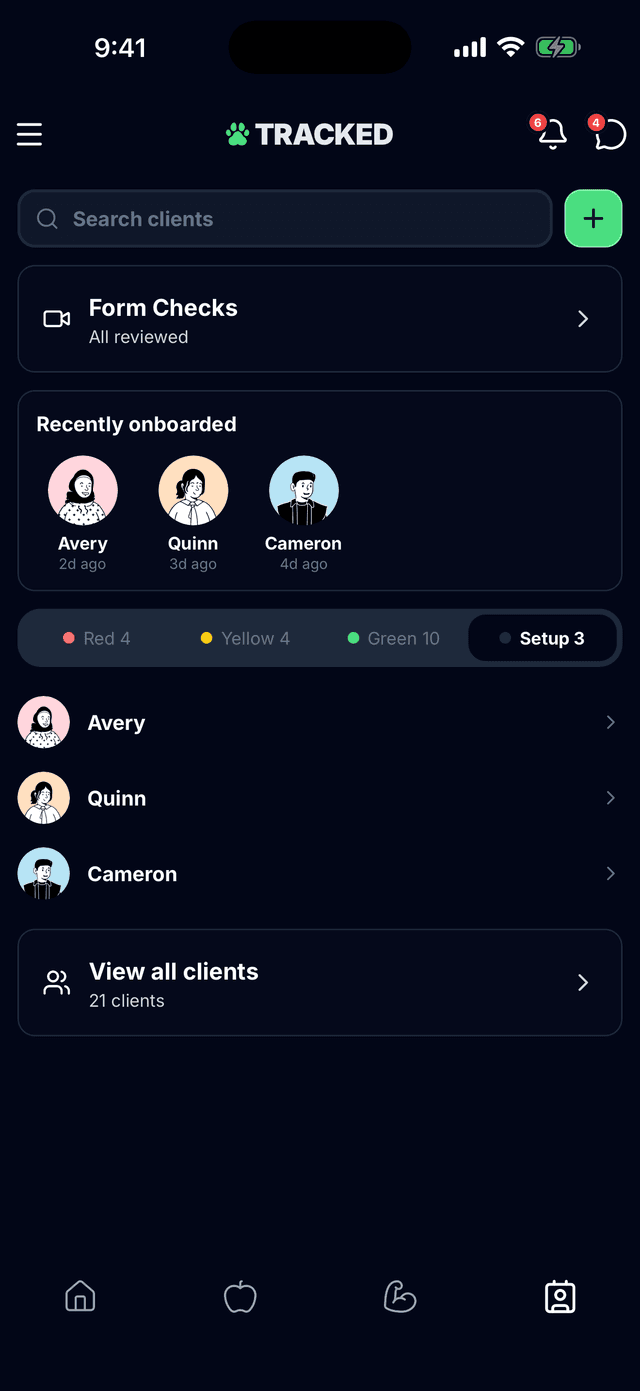
Generate shareable invite links or search for users directly in the app. Clients receive your custom onboarding flow when they accept.
- Generate shareable invite links
- Search and invite users in-app
- Track invitation status (pending, accepted)
- Clients see your profile before accepting
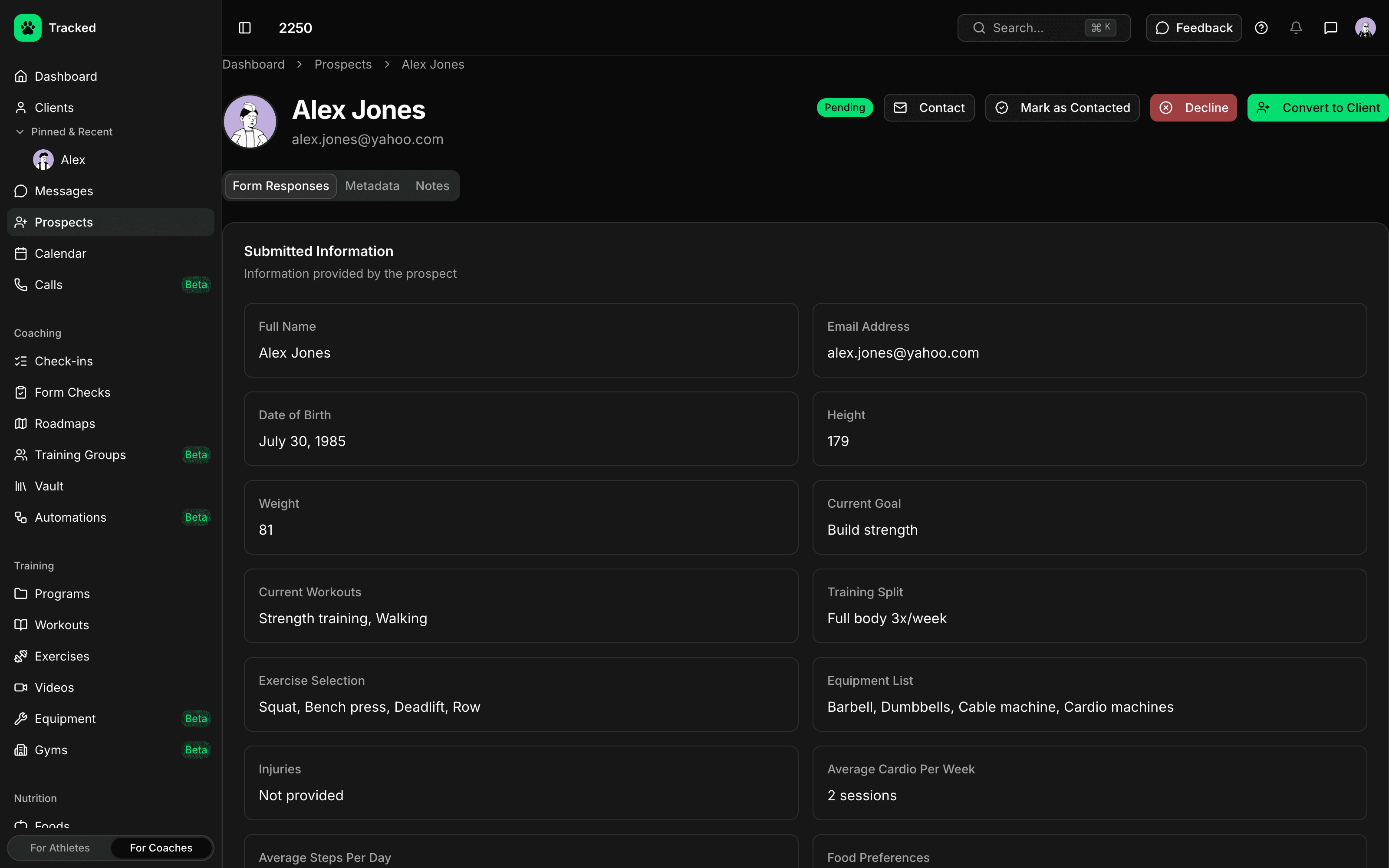
Built-In Coaching Agreement
Every client reviews and accepts a coaching agreement before joining. Clear terms for data access, termination rights, and service expectations.
- Data access authorization
- Client termination rights explained
- Service and liability limitations
- Automatic acceptance tracking
Re-Onboarding Support
Need updated info from existing clients? Generate a re-onboarding link that pre-populates their current data so they only update what's changed.
- Pre-populated forms with existing data
- Clients update only what's changed
- Seamless experience for returning clients
- Track onboarding history
Configure Once, Use Forever
Set up your onboarding screens in coach settings. Every new client automatically receives your configured questionnaire—no manual setup required for each invitation.
Ready to streamline client intake?
Start your coaching journey with Tracked and onboard clients effortlessly.