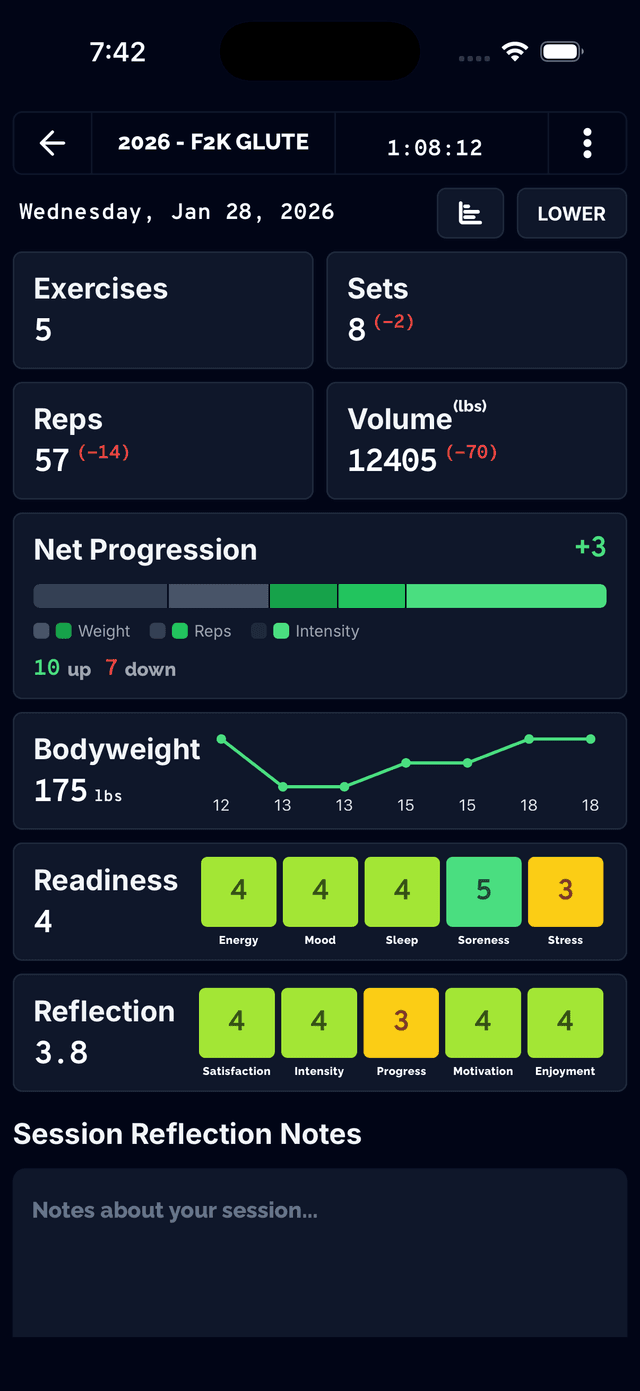
Know When You're Moving Forward
After each workout, Net Progression calculates the total change across all exercises. A positive number means you progressed overall in your session more than last time — simple, objective proof that your training is working.
- Compares current session to your last identical workout
- Calculates total volume change across all exercises
- Clear positive indicator when you've progressed
- Instant feedback at the end of every session
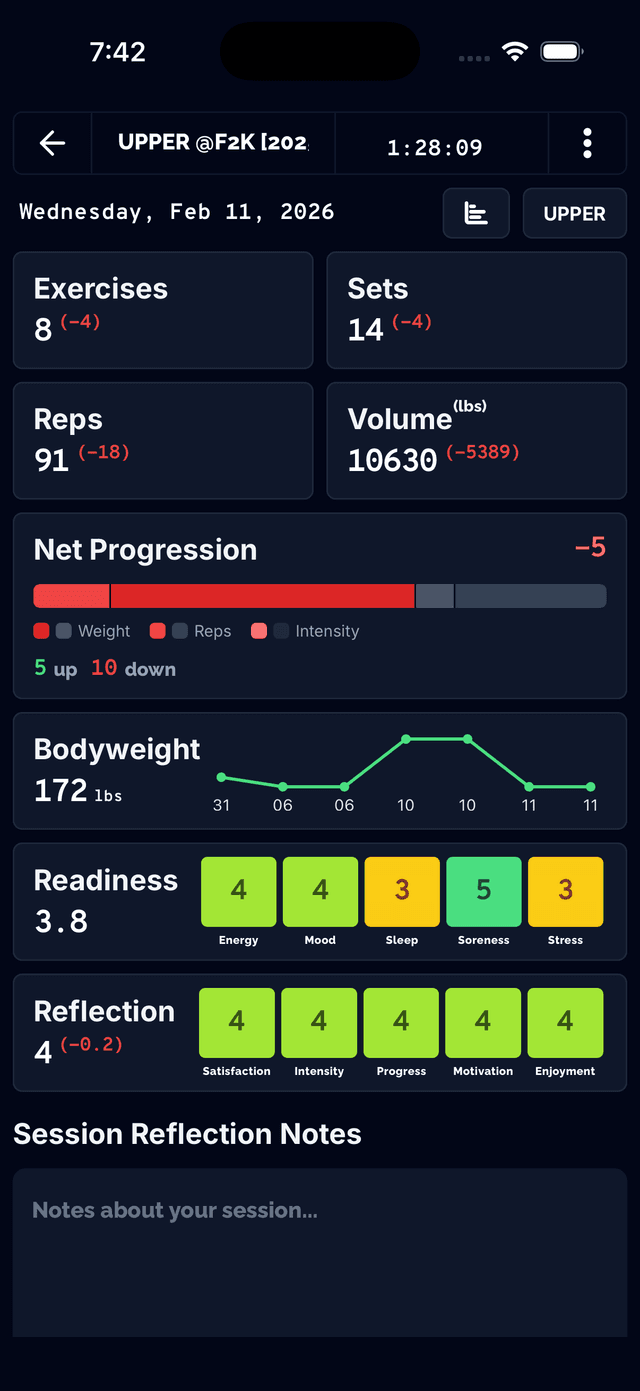
Catch Regression Early
Not every session will be a PR. When your volume drops, Net Progression shows you exactly how much so you can identify patterns — bad sleep, poor nutrition, or overtraining—before they become a trend.
- Highlights sessions where volume decreased
- Quantifies exactly how much you regressed
- Spot patterns across multiple sessions
- Make informed decisions about recovery and load
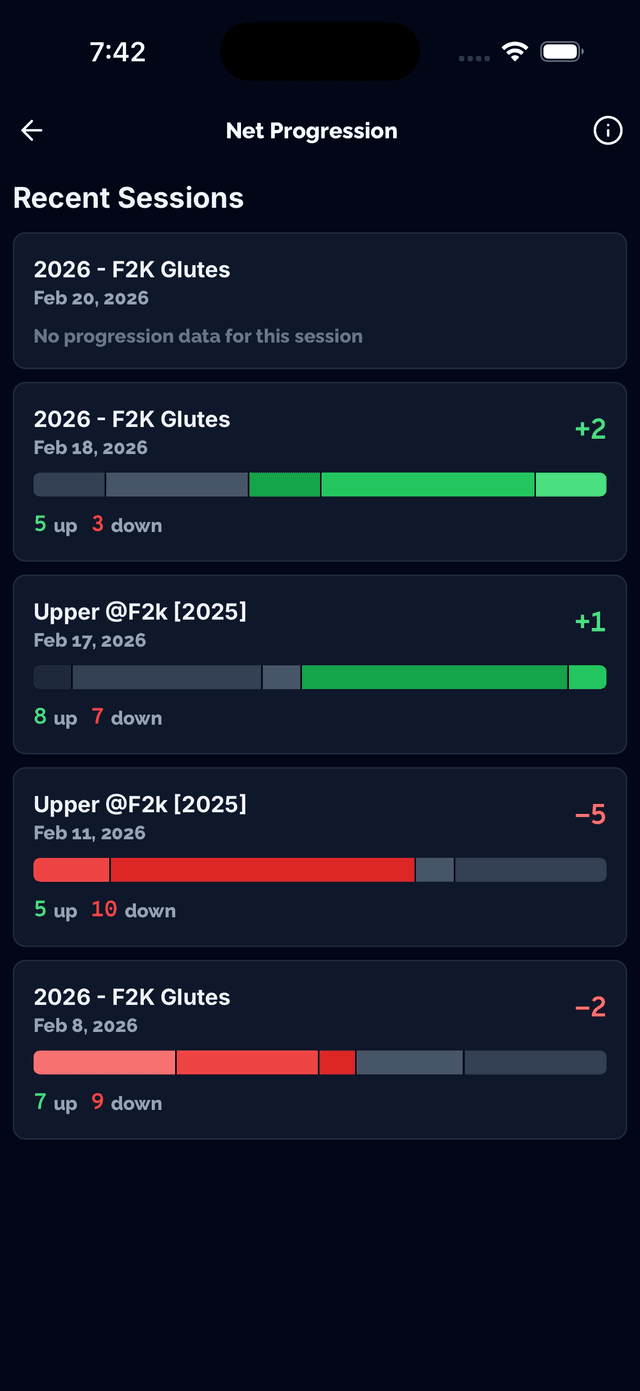
Session Summary at a Glance
Get a complete breakdown of your workout with Net Progression front and center. See total volume, sets completed, and how you stacked up against your previous performance — all in one view.
- Total session volume and set count
- Net Progression displayed prominently
- Side-by-side comparison with previous session
- Quick visual read on workout quality
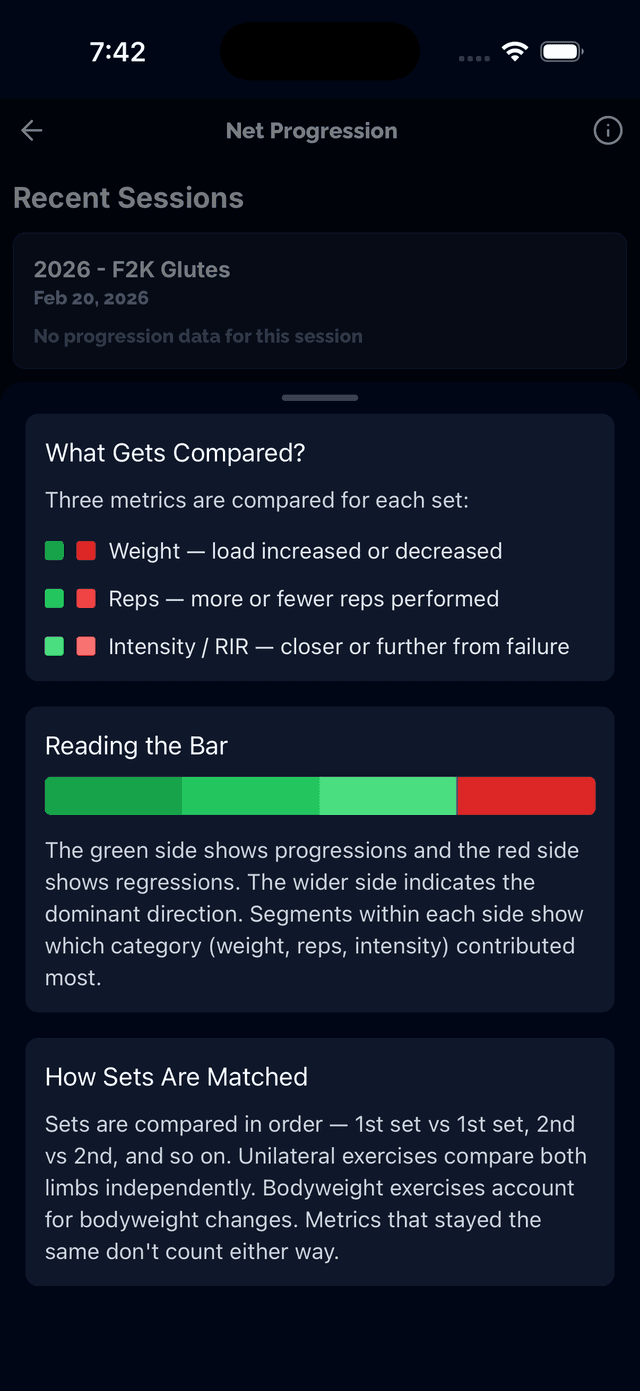
Per-Exercise Breakdown
Drill into the details to see how each exercise contributed to your overall progression. Identify which lifts improved and which held you back so you know exactly where to focus next session.
- Volume change per exercise
- See which exercises drove progression
- Identify weak points holding you back
- Detailed set-by-set comparison
Progressive Overload, Measured
Progressive overload is the foundation of strength training. Net Progression takes the guesswork out of it by tracking whether you're actually progressing over time — not just feeling like you are.